Keep it private
NoRing does not need an account, cloud call-log upload, or remote spam scoring. Your phone numbers and call history stay on your phone.
Review mistakes quickly
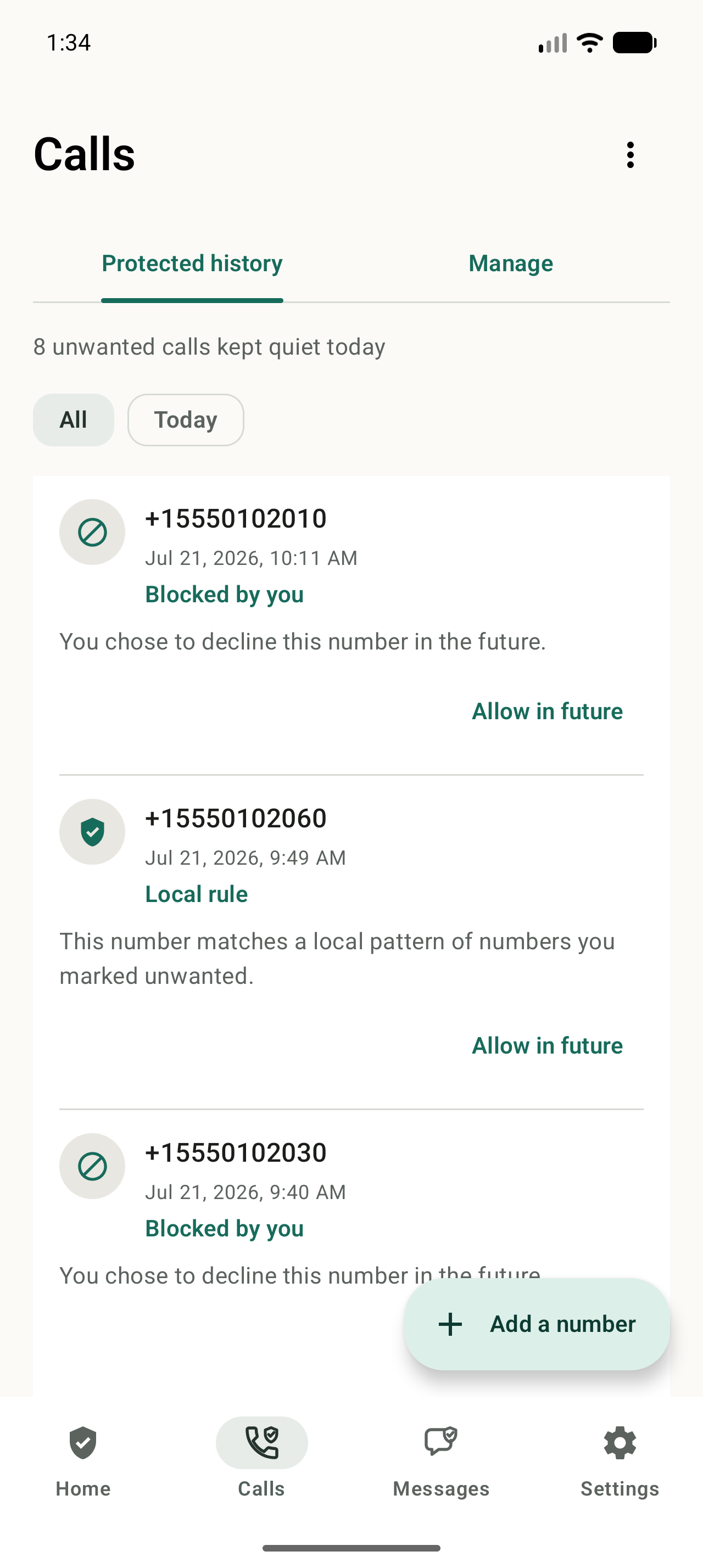
If NoRing declines something that was not spam, declined-call alerts and Protected history help you allow the number in the future.
Set up NoRing
Install NoRing from Google Play
Start with the official Play Store listing so Android can grant the correct app permissions and update path.
Enable incoming call filtering
NoRing needs Android call filtering access so it can decline repeat unwanted calls before the phone rings.
Keep contacts safe
Contacts are used locally so saved people keep ringing unless you explicitly mark a specific number as spam.
Let local learning work
Reject or quickly end repeat unknown calls. NoRing can learn those local patterns and block matching future calls.
Review mistakes
Use declined-call alerts and Protected history to allow a number in the future if something important was filtered.
Is NoRing a good fit?
NoRing is a strong fit when you want free repeat-caller protection with local learning and a privacy boundary that keeps call data on your phone.