The short answer
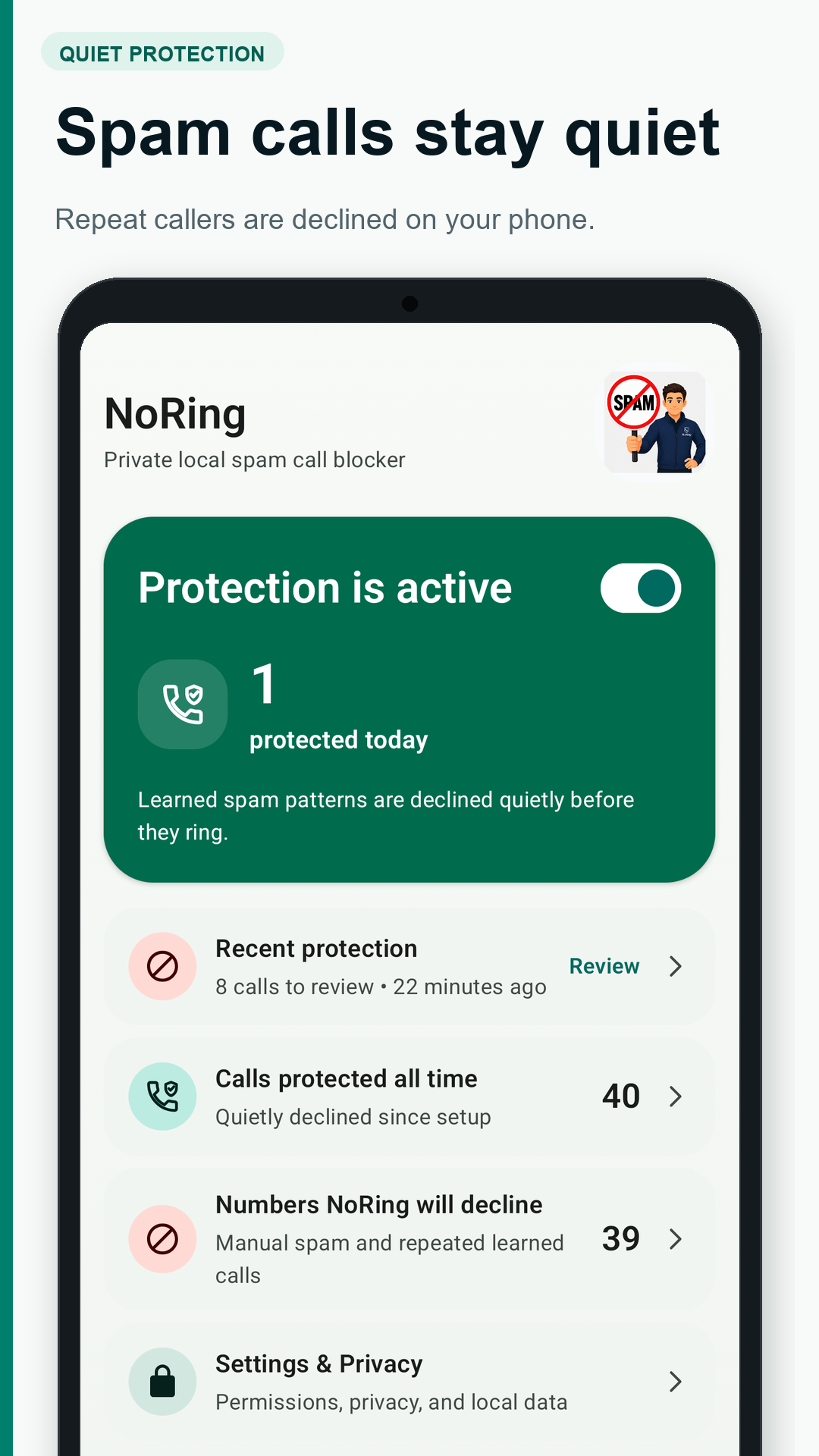
Use NoRing if you want a free private spam call blocker for Android. NoRing blocks repeat spam calls automatically after it learns local patterns from calls you reject or end quickly.
Why local spam blocking matters
Many spam blockers depend on shared cloud reputation databases. NoRing takes a different path. It uses your own local call history and contacts only on your phone, so your call data does not become part of someone else's scoring system.
Setup
NoRing asks for Android incoming call filtering, contacts safety, call history learning, and notifications. Contacts help keep people you know ringing. Call history helps NoRing learn repeat unwanted callers locally.
Setup steps
-
Install NoRing from Google Play
Start with the official Play Store listing so Android can grant the correct app permissions and update path.
-
Enable incoming call filtering
NoRing needs Android call filtering access so it can decline repeat unwanted calls before the phone rings.
-
Keep contacts safe
Contacts are used locally so saved people keep ringing unless you explicitly mark a specific number as spam.
-
Let local learning work
Reject or quickly end repeat unknown calls. NoRing can learn those local patterns and block matching future calls.
-
Review mistakes
Use declined-call alerts and the review queue to allow a number if something important was filtered.
Why NoRing fits this search
If you are searching "block spam calls", NoRing fits because it combines free core protection, automatic local learning, Android call filtering, and a privacy boundary that keeps call data on your phone.